






By Sarah Skinner, Opinions Editor
No fines, no forgetting to turn in books, and the ability to take them wherever you go — for a library, it seems almost too good to be true.
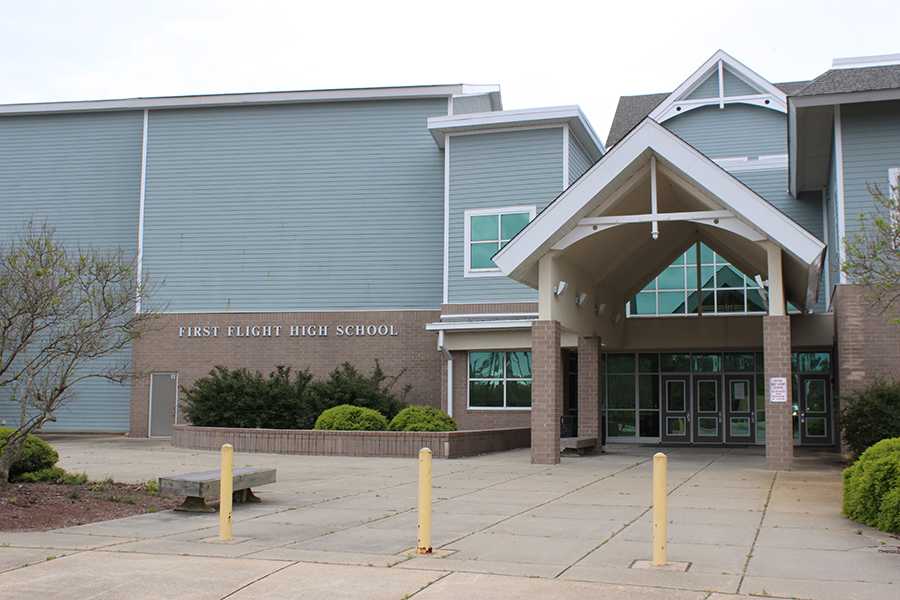
Not at First Flight High School, however. The media center has a large and ever-growing library of electronic books, or ebooks, available to students every day. So why do so few people know about them?
For one, it’s a relatively new development. According to Susan Sawin, First Flight’s media coordinator, the state of North Carolina decided to dedicate funding toward the effort across the state a couple of years ago. “A substantial amount of funds have been dedicated towards building a library. It started with secondary schools, and we have been given a total of $50,000 over the past two years,” she said.
This money is to be used exclusively for ebook purchases, and dedicated toward building the foundation for an ebook library in the future as electronic texts become more ubiquitous with reading and learning.
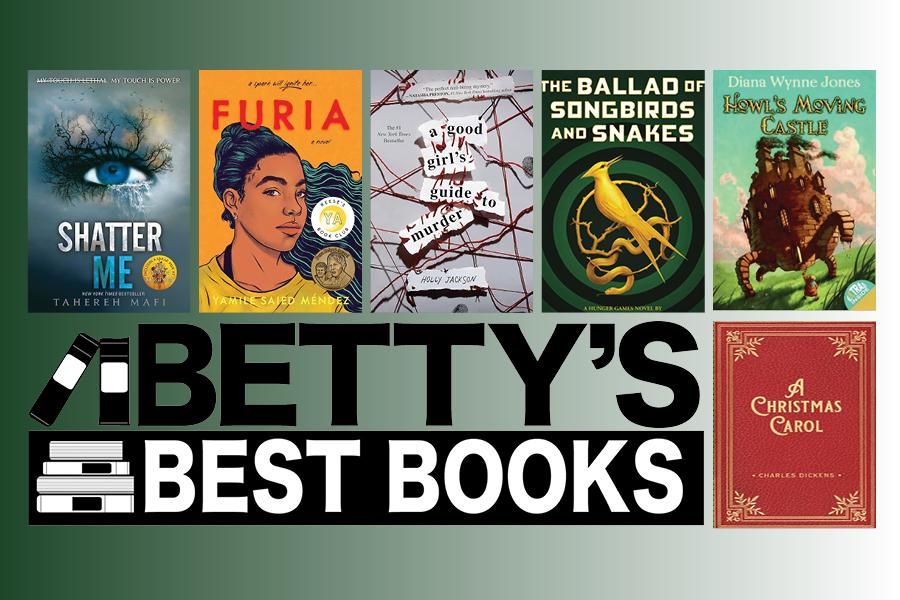
The library is ever-growing, and at this point contains over 1,200 titles. These include around 100 public domain classics, but many contemporary books across a variety of genres.
“Librarians curate,” Sawin said. “We decide what’s appropriate in terms of if people will really read it, accessibility, grade level, etc.”
Initially Sawin, as a librarian, was actually hesitant about the idea of the mass purchase of ebooks: “I was not totally on board with the idea of it for our library,” she said. “A lot of kids would not want to read them at all. They’re very expensive as well.”
However, once she began to explore the possibilities that ebooks could bring, she began to get excited.
“You can read across platforms,” Sawin explained enthusiastically. “I devoted a lot of my budget to audiobooks. There are other formats for reading— like fixed formats, with pictures and graphics you can navigate through. Some with audio built in, where the sentence being read to you will flash a color.”
This would be exceptionally helpful for ESL students, she said: “Students can listen to the audio while reading a physical book. This is another way of learning English.”
The books are bought through a system called OverDrive, which also runs the software to read the titles. Students can read books in their browsers or on the mobile app.
However, there is another option — students can connect their Amazon accounts to OverDrive, and check out the books in forms of Kindle ebooks. These can be read on any Kindle device or Kindle mobile app.
With so many options, it’s easy to see why some students aren’t taking advantage of the service.
“As of now, I have absolutely no idea how to use ebooks,” senior James Gillis said. “But I’m excited to learn how to use them.”
All books are readily accessible to students with a daretolearn login, and may be rented for periods of two weeks, at which time they are automatically returned. Students may rent two books concurrently.
In the future, Sawin looks forward to even more growth.
“We will continue to expand it. It will continue to be funded, and I am doing as much purchasing as I can so we can permanently own (the titles). Soon, we will add magazines and newspapers as well, so we can have news that comes from a reliable, reputable source,” she said.
One final advantage the ebook library has? All titles will be available during the summers, free of charge.
First Flight, get “read-y” for a whole new literary experience.
How to access the online library:
- Go to the First Flight High School website’s home page, at www.ffh.daretolearn.org.

2. Scroll down until a box entitled “Quick Links” is visible on the left hand side.
4. In the search bar, type in “overdrive”. This will filter all of the ebooks out, as they are the only titles that use the OverDrive system. This keyword can also be added to a title search to find a specific ebook.

5. Select a book by clicking on the title. Next, click on the “Open” button at the top right corner to access the book.

6. Students will be taken to a login screen, where they should type in their NCEdCloud login. If the “remember” box is checked, they should only have to do this once per device.

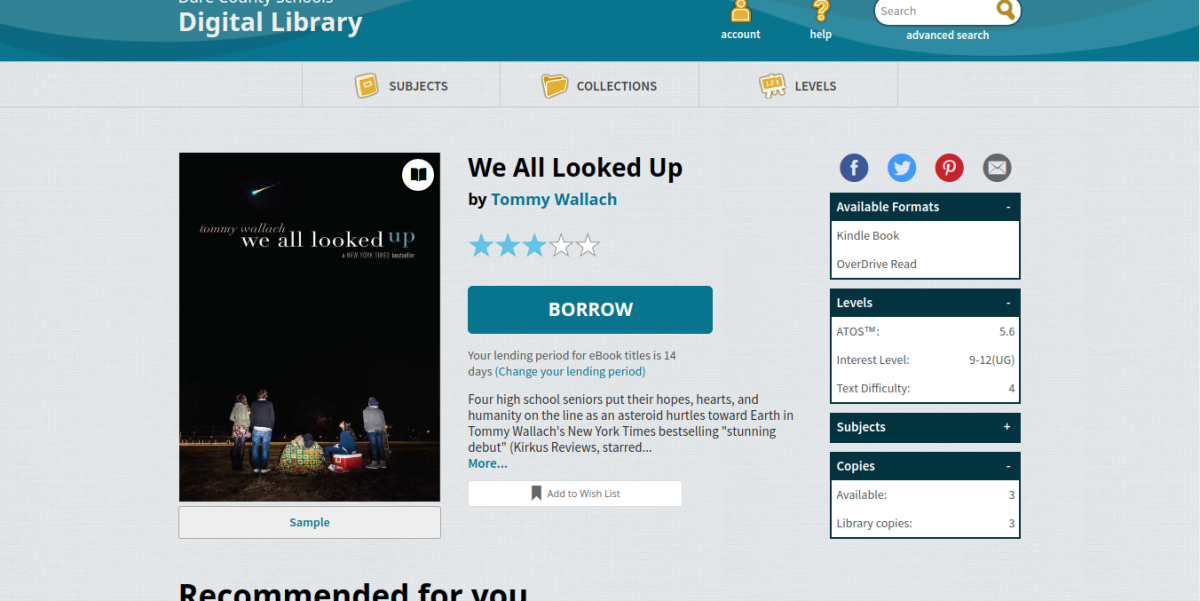
7. Next, click the “BORROW” button in the middle of the page, and follow the instructions to go to the cart.

8. Here, students can choose whether they would rather read the book in the OverDrive app or web reader, or to check out the Kindle ebook and read it on a Kindle device or app. If the student desires the Kindle book, they will need to connect their Amazon account.

9. Happy reading!
Senior Sarah Skinner can be reached at skinnersa0619@daretolearn.org.